Steerkit puts steering behaviours in the browser
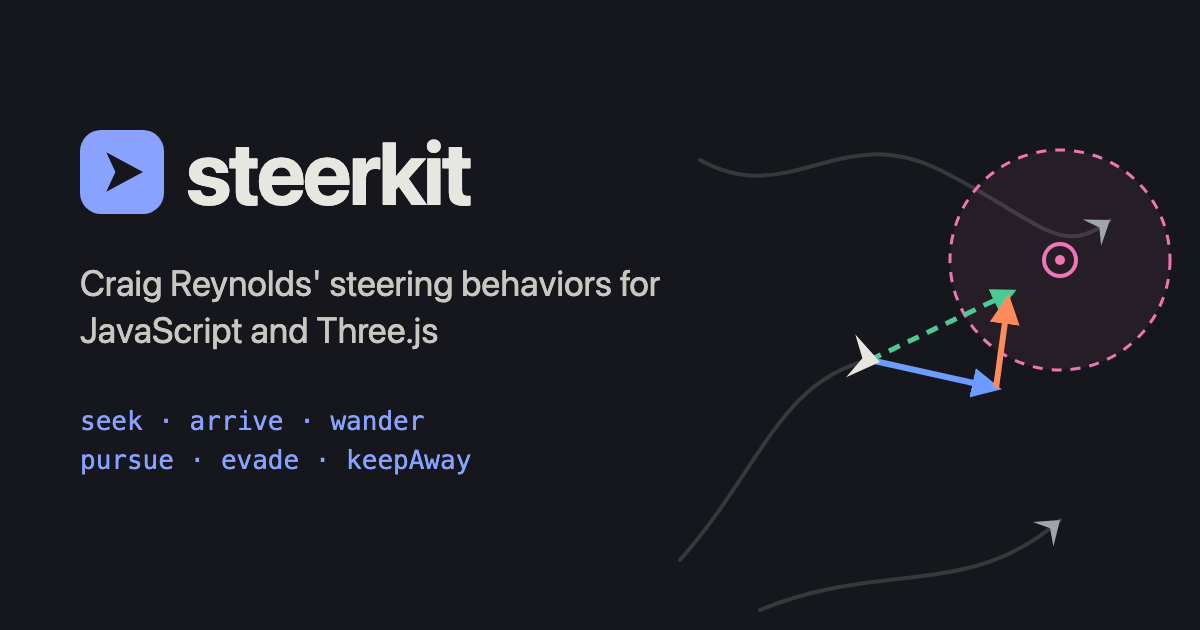
A character can know where it wants to go and still move awkwardly. It might snap toward a target, overshoot it, or crowd into every other character nearby. Steerkit, by Thibaut Lefrançois, packages a set of steering behaviours for JavaScript and TypeScript projects, with interactive examples that make the differences easier to inspect.
The open-source repository describes an engine-independent library with optional Three.js helpers. That makes it relevant to games, small simulations, and decorative characters in interactive scenes, without requiring you to adopt a complete game engine.
Decide what movement should communicate
The ideas come from Craig Reynolds’ work on steering behaviours. Steering sits between a higher-level goal and the movement that carries a character toward it. Behaviours can be combined so an agent follows a route while maintaining space around obstacles or other agents.
Consider a companion following the player. Moving directly toward the player’s position might be enough for an initial prototype, but it can look abrupt when the player stops. An arrival behaviour slows the companion near its destination. Separation can keep several companions from occupying the same place. The goal is familiar; the route to it becomes more convincing.
You can use the same idea for less literal characters. A collectible drifting toward the player, a group of fish, or a cursor-following creature can each benefit from a different balance of speed, turning, and distance. Start by deciding what the movement should suggest, then choose behaviours that support it.
Start with one agent
Steerkit includes behaviours such as seeking, arriving, wandering, pursuing, and avoiding obstacles, alongside group behaviours. Its vectors do not require a particular renderer, and the Three.js adapter adds helpers for facing movement and visualising steering.
A good first experiment is an agent moving toward a target that you can reposition. Make it fast enough to overshoot, then slow enough to take too long. Try a target behind the agent and another very close to it. Those extremes help explain what each setting actually controls.
Add a second behaviour only when you can recognise the first one. Otherwise it becomes difficult to tell whether an odd turn comes from the target, obstacle avoidance, speed limits, or conflicting forces. Visible direction arrows are especially useful when the final motion looks plausible but does not do what you intended.
Our Rogue Engine overview covers a broader Three.js authoring environment. Steerkit addresses a smaller part of the problem: deciding how an object moves within whatever scene or engine you already have.
Steering is one part of the game
Imagine a guard in a room with two doors. Steering can help it move toward a chosen doorway, but your game still needs to decide which doorway matters, what the guard has noticed, and when it should stop pursuing the player. Keep those decisions visible in your design instead of hiding them inside movement tuning.
Similarly, an obstacle-avoidance behaviour should not be treated as a guarantee that a character can navigate every level you draw. Test narrow gaps, corners, crowds, and targets on the far side of walls. A small demonstration scene lets you see limitations before they become a level-design problem.
If you want a broader multiplayer context, our Reldens coverage shows how many other systems a persistent game can involve. Movement is easier to reason about when it has a clear job and a clear boundary.
Check the cost of a crowd
The library supports reusing output vectors to avoid creating new objects in its per-frame behaviour calls. Its README also distinguishes that approach from more convenient composition helpers that can allocate temporary arrays. Choose the form that suits the scale of your scene, then measure the whole update.
Try ten agents before a thousand. Once the behaviour looks right, increase the count and inspect frame time as well as appearance. Give slower devices a turn too, especially if the effect is decoration rather than the main game.
For a compact experiment, add a small flock to an idea inspired by the Gamedev.js Jam 2026 entries, then use the Steerkit demos to work out why it turns, gathers, or drifts apart.

HTML5 Game Developer, Enclave Games indie studio founder, js13kGames competition creator and Gamedev.js Weekly newsletter publisher. Mozilla Tech Speaker, Gamedev.js community firestarter. Organizes meetups / workshops / hackathons in Poland, passionate about new, Open Web technologies, excited about WebXR and PWAs. Likes eating sushi and playing Neuroshima Hex.