How to fit a browser game replay into a URL
On board 31 of Composition, seven strokes can paint 76 percent of the board in 8.73 seconds. The moves in that run take 49 bytes. We produced the sequence locally with the game’s published JavaScript engine, then passed it back through the project’s replay checker. You can open the result yourself.
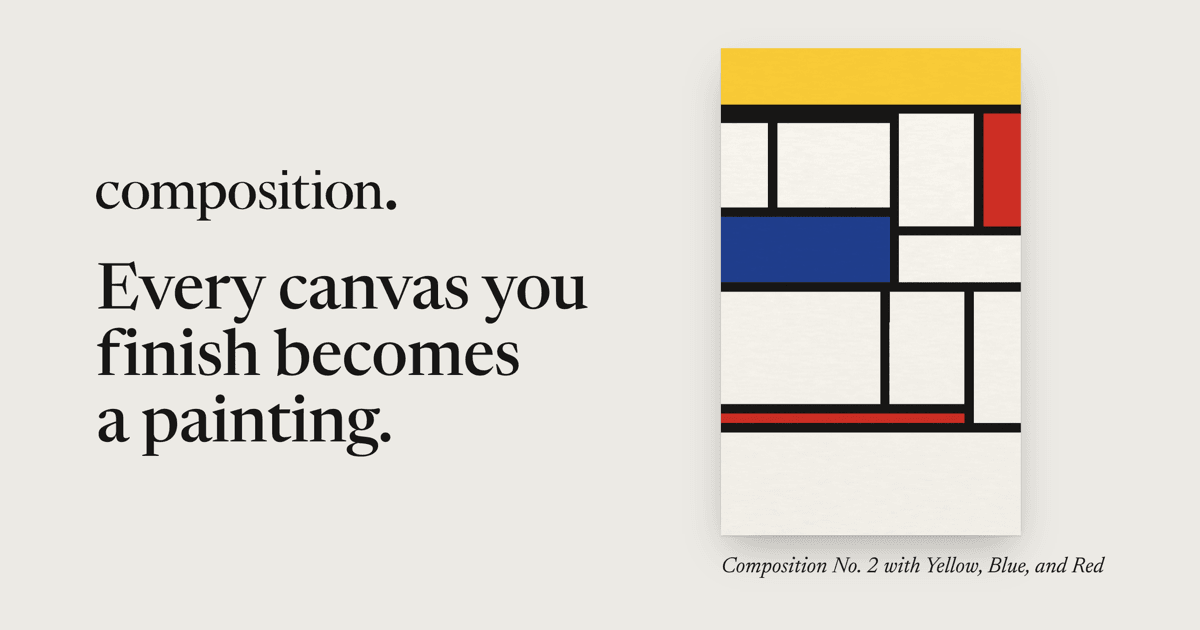
Composition is a daily puzzle about drawing lines across a field of bouncing dots. Close off some space and it fills with paint. By the end, the path you took has left a picture of coloured rectangles. That makes sharing a run especially satisfying. Someone opening the link gets to see how you made the picture, including the moment a line slipped past a moving dot.
Read the first seven bytes
Here is the opening stroke of our example in hexadecimal. The spaces make it easier to see the seven separate bytes.
00 00 00 00 1a 26 01
The first four bytes hold the simulation tick, least significant byte first. This move starts at tick zero. The next two bytes are grid positions, so 1a gives column 26 and 26 gives row 38. The final byte selects a vertical line. Seven bytes describe one decision precisely enough for the engine to make it again.
Now read the second stroke. Its first two bytes are 29 01, which makes the tick 41 plus 256, or 297. The remaining position and direction fields put a horizontal stroke at column 3, row 39. Put the seven records together and encode them as URL-safe Base64. The link also carries the board number, replay version and final tick. The 49-byte figure measures the binary moves before that text encoding.

Give every viewer the same clock
The date identifies the board rules and the starting state. From there, the simulation advances 120 times a second. A screen drawing at 30 frames per second can advance four ticks before drawing its next picture. On a screen drawing at 120, each picture can follow a single tick. An input labelled 297 lands on the same update in either case.
We replayed those seven moves with updates grouped for 30, 60 and 120 frames per second. All three runs finished on tick 1,047 with the same state checksum, 56c489f0f3fc3631. That number is more informative than comparing screenshots. Two dots can occupy practically identical positions on screen while travelling in different directions. The next collision would give the difference away.
Composition’s native app uses Swift. To make the two implementations agree, the developers use whole numbers for positions and take care over division and seeded randomness. The explanation includes two browser simulations you can play side by side. Draw across one and watch the line arrive in the other.
Borrow the smallest part that solves your problem
For a first attempt at shareable replays, choose a puzzle or a single short level. Record its starting configuration and a list of accepted actions. Give the recording a version. A change to the speed of a ball can turn a perfectly good old solution into an impossible one, so keep a test replay around when you edit the rules.
Separate what the player sees from what determines a collision. A camera that eases toward the player can use its own timing. We looked at that sort of movement in LittleJS 1.28. An enemy choosing a new direction, on the other hand, can affect the outcome of the run. If you’re experimenting with steering behaviours, decide which state and inputs the next steering update needs to reproduce.
Finally, follow a shared link as a stranger would. Decode the moves, check their coordinates, play them against the correct board and derive the finishing time from the result. A few seconds spent watching the last line grow are a better ending than handing the player a number and asking them to trust it.

HTML5 Game Developer, Enclave Games indie studio founder, js13kGames competition creator and Gamedev.js Weekly newsletter publisher. Mozilla Tech Speaker, Gamedev.js community firestarter. Organizes meetups / workshops / hackathons in Poland, passionate about new, Open Web technologies, excited about WebXR and PWAs. Likes eating sushi and playing Neuroshima Hex.