LittleJS 1.28 adds cameras, screen shake, and Box2D platforms
LittleJS 1.28 puts several familiar pieces of game development closer to hand: cameras that follow a player, screen shake, and more platforming options for its Box2D integration. Frank Force’s October release also includes demos that show the changes in context, which is a useful place to begin before updating an existing project.
If LittleJS is new to you, our Little Ski tutorial coverage offers a small game to build around. Developers who have already used it may find this release interesting for the work that often happens after basic movement is finished.
Let the camera help the player
The new camera plugin supports smooth 2D following, a dead zone, boundaries, zoom, and looking ahead in the direction of travel. There is also a third-person 3D camera that adjusts around obstacles. Camera smoothing uses time rather than a fixed per-frame amount.
A camera can change how a level feels without changing its layout. Following too tightly can make every small movement uncomfortable, while following too slowly can hide a hazard until the player is already committed. Looking ahead helps only when the amount and timing suit the movement speed.
Make a simple test area with a long run, a sudden turn, a vertical section, and a boundary. Try the same route at different speeds. Watch how much useful space the player can see before acting, then adjust one camera setting at a time. A camera that feels pleasant while strolling may need different tuning during a fast chase.
This is also a good reason to revisit older projects. The LittleJS Game Jam challenge winners offer a varied starting point for thinking about how movement and framing suit different kinds of game.
Give impacts a clear purpose
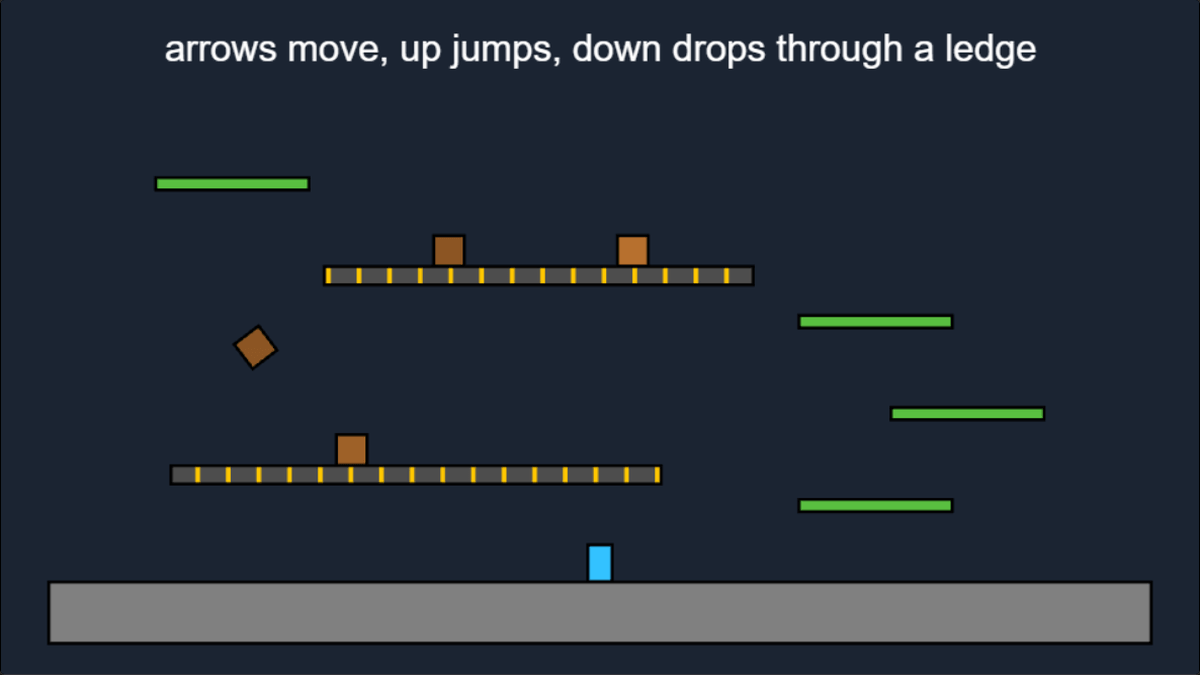
The release adds a screen-shake function whose effects can accumulate and fade, including during a pause or hit stop. The accompanying demo lets you compare different triggers without first building a whole combat system.
Use that convenience carefully. Decide what an effect should tell the player: a hit connected, something heavy landed, or an explosion happened nearby. If every action shakes the screen equally, the feedback stops distinguishing important events.
Start with short, restrained effects and compare them with the shake disabled. Keep essential text and aiming information readable, and consider a player-facing intensity setting. You can improve the sense of impact through sound and animation too, so the camera does not have to carry every event by itself.
More options for a platforming prototype
Box2D additions include one-way platforms, conveyor surfaces, and contact information about position and impact. The platformer demo combines ledges, falling through them, and moving crates.
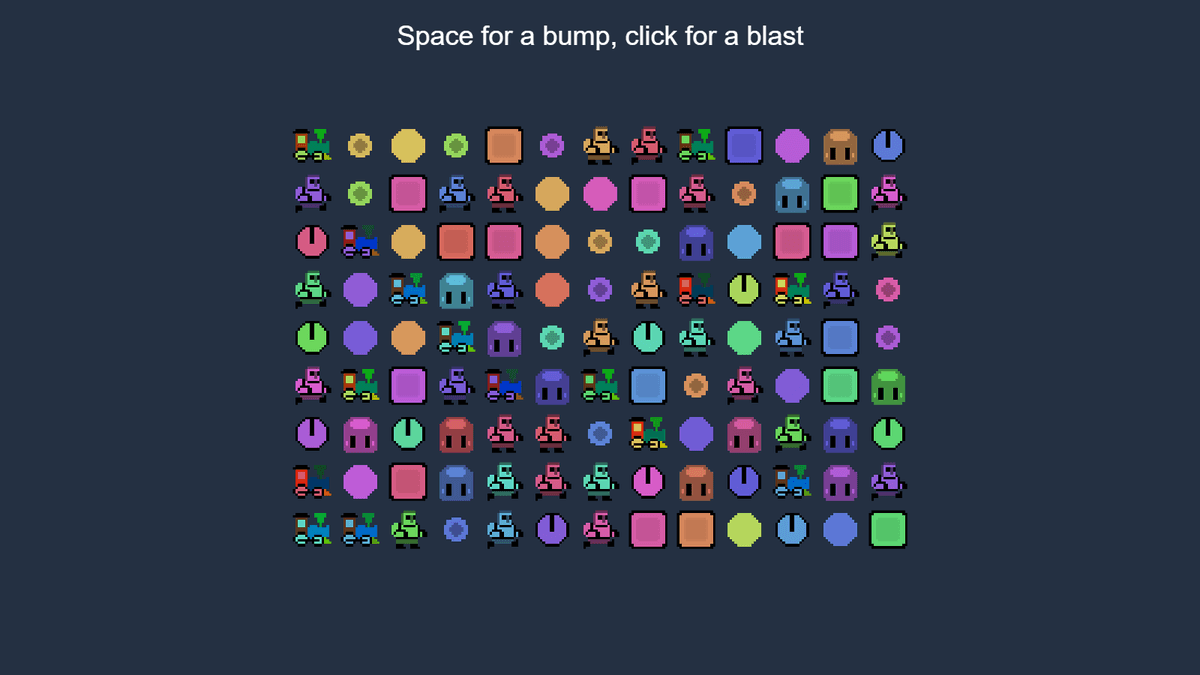
Those features are useful building blocks for a test room. Put a ledge above a moving surface and check jumping up, landing, dropping down, and returning after a restart. Repeat with objects as well as the player. A bug that is difficult to spot in an empty scene may become obvious when a crate shares the platform.
Our Phaser Box2D overview covers another route to browser physics. Keep the implementations separate when comparing examples: similar concepts do not guarantee matching APIs or identical behaviour.
Read the upgrade note before replacing files
The release flags a camera update-order change for code that manually updates certain 3D camera classes. Check that note against your own project, particularly if you read the camera immediately after updating it.
Keep a working build before upgrading, then test the interactions your game depends on. Do that before adding new effects, so an existing behaviour change is easier to identify. A short repeatable route through your game is more informative than a quick glance at the title screen.
The release notes and linked demos are the place to explore next. If you need a small project to try the features in, the variety in js13kGames 2026 should provide plenty of starting ideas.

HTML5 Game Developer, Enclave Games indie studio founder, js13kGames competition creator and Gamedev.js Weekly newsletter publisher. Mozilla Tech Speaker, Gamedev.js community firestarter. Organizes meetups / workshops / hackathons in Poland, passionate about new, Open Web technologies, excited about WebXR and PWAs. Likes eating sushi and playing Neuroshima Hex.