How Bomber Bunnies handles four-player local multiplayer
Press Space on a crowded keyboard and whose bomb goes off? That question became quite real for the developer of Bomber Bunnies, who accidentally blew up his daughter’s bunny before she had a chance to move. WeeAngusMcDread’s account of building the controls starts with that family playtest and gets into a decision that made a keyboard, two gamepads and a handful of bots much easier to manage.
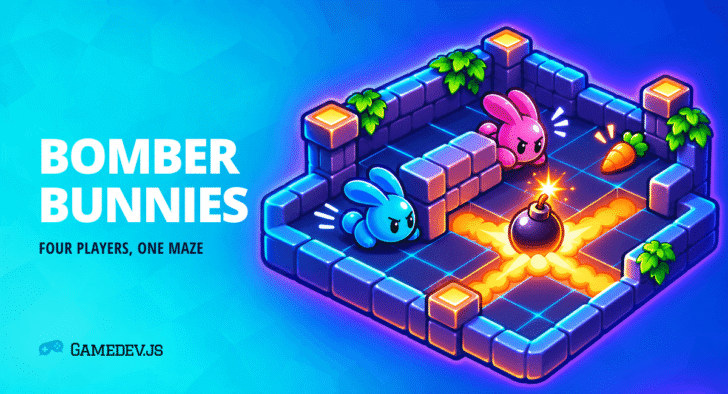
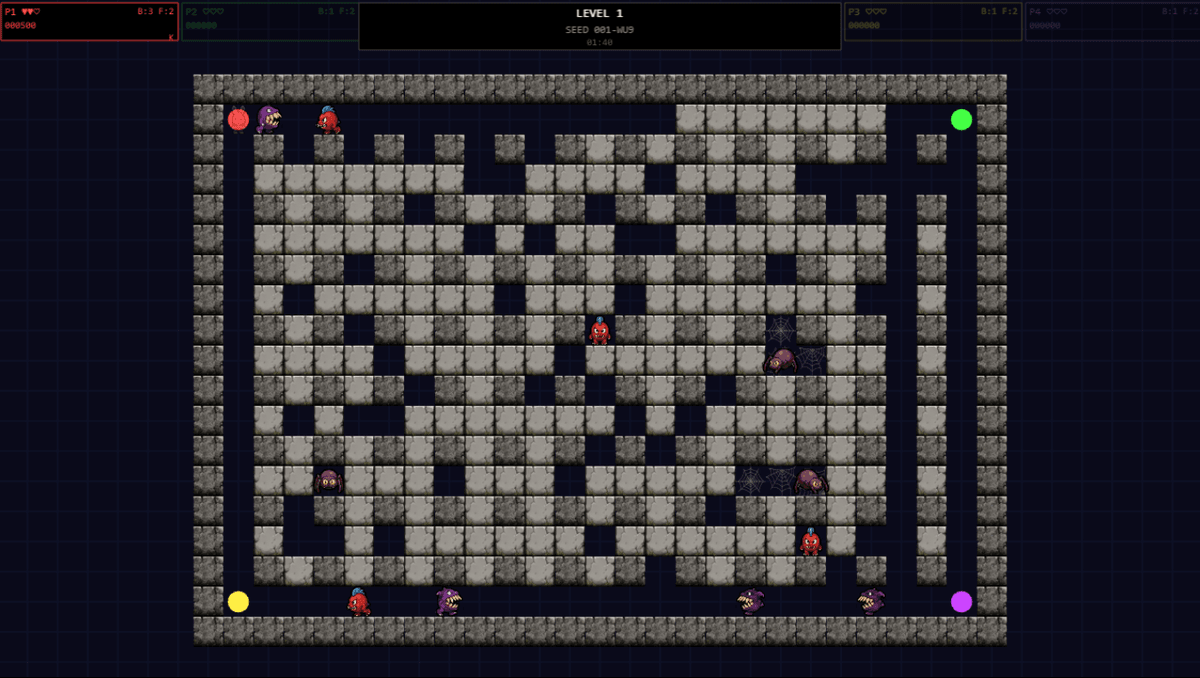
Released in May and featured by Phaser on November 6, Bomber Bunnies is a browser tribute to the DOS game Xplosive. One to four players blast through soft walls, collect upgrades and clear a maze of enemies. A Chomper can eat a bomb. A Mimic looks like an ordinary stone until someone gets close. Sharing a keyboard is already a small negotiation before either of those turns up.
What the bunny needs to know
Each bunny gets a horizontal direction, a vertical direction and a decision about dropping a bomb. Another piece of code translates the assigned device into those three values. By the time a bunny moves, the difference between an arrow key and a thumbstick has been settled. The game can also hand that job to a bot and let the same bunny respond.
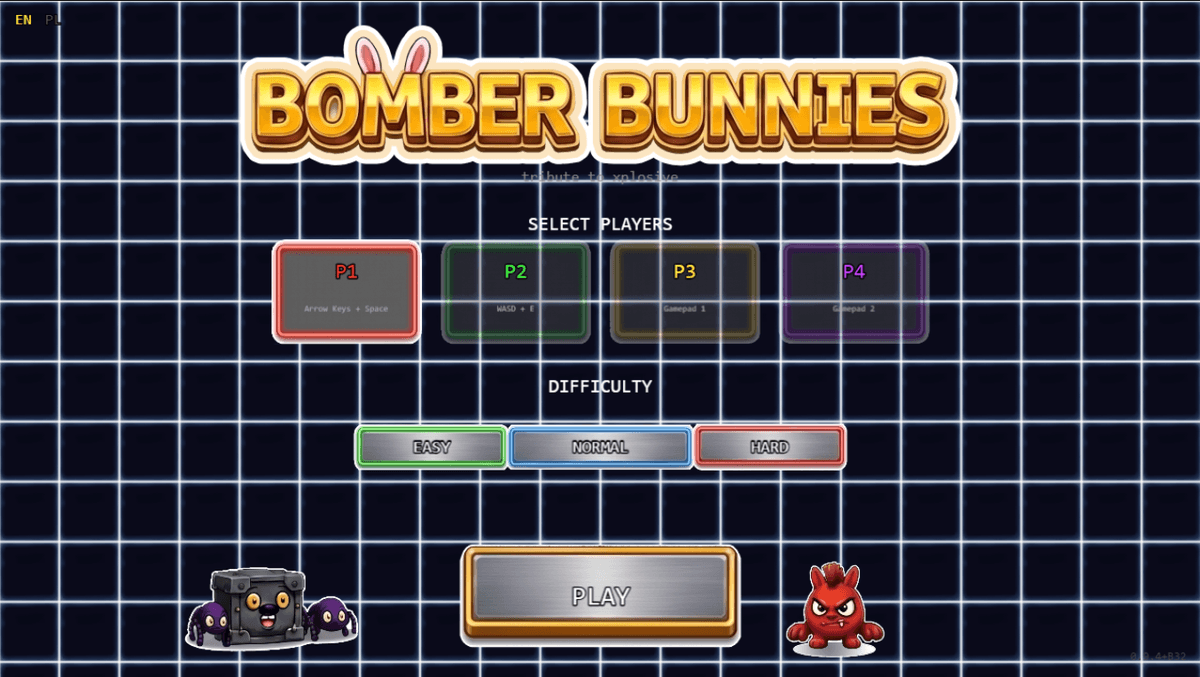
The defaults put player one on the arrows and Space, player two on WASD and E, and players three and four on gamepads. The game remembers remapped controls between sessions. If you’re designing for one crowded keyboard, try letting two people choose their own keys while sitting side by side. A perfectly sensible binding on paper can put one person’s knuckles where the other person’s hand needs to go. Our look at Curvelicious makes a good companion here because that Phaser game can put as many as eight players on one canvas.
One press, one bomb
Suppose the game reads a controller six times while someone holds down the bomb button. All six readings say “pressed”, but the player made one decision. The developer remembers the previous reading and acts when the button changes from released to pressed. Each controller needs its own previous reading. Sharing one flag would let player one’s thumb swallow player two’s next press.
Here’s a tiny test you can run without a controller. The samples below include a long first press and a short second press. Counting from one, the result should be samples two and six.
const samples = [false, true, true, true, false, true, false];
const presses = samples.flatMap((held, index) =>
  held && !samples[index - 1] ? [index + 1] : []
);
console.log(presses); // [2, 6]
That same distinction matters in our gravity-flipping Phaser platformer, where holding Space through a landing should leave the duck on its new surface. If you add a gamepad to a prototype like that, write down what one deliberate press should do before you start mapping buttons. Test a held button across a landing, then have two players press their buttons on the same frame.
Let the attract mode take a turn
Leave the menu alone and the game can put bots in charge. They feed movement and bomb requests into the same rules as human players. For the developer this doubled as a way to exercise awkward combinations, including four bunnies converging on one tile. For someone watching across the room it shows what joining in will look like before they reach for a controller.
A nice experiment for a Game Off entry built around Shift is to let an unattended demo show the exact moment your game changes state. Give a bot one job, let it fail occasionally, and make sure a real player can take over promptly. If you have a second pair of hands nearby, the playable Bomber Bunnies build also lets you share a map seed. Play the same layout twice, swap keyboard roles, and see if the argument over Space survives the rematch.

HTML5 Game Developer, Enclave Games indie studio founder, js13kGames competition creator and Gamedev.js Weekly newsletter publisher. Mozilla Tech Speaker, Gamedev.js community firestarter. Organizes meetups / workshops / hackathons in Poland, passionate about new, Open Web technologies, excited about WebXR and PWAs. Likes eating sushi and playing Neuroshima Hex.